

Labels are written for you, not taken from the internal tool names. The two tables below cover
every label you can see.
Steps that read or research
Nothing in your deck changes while these run.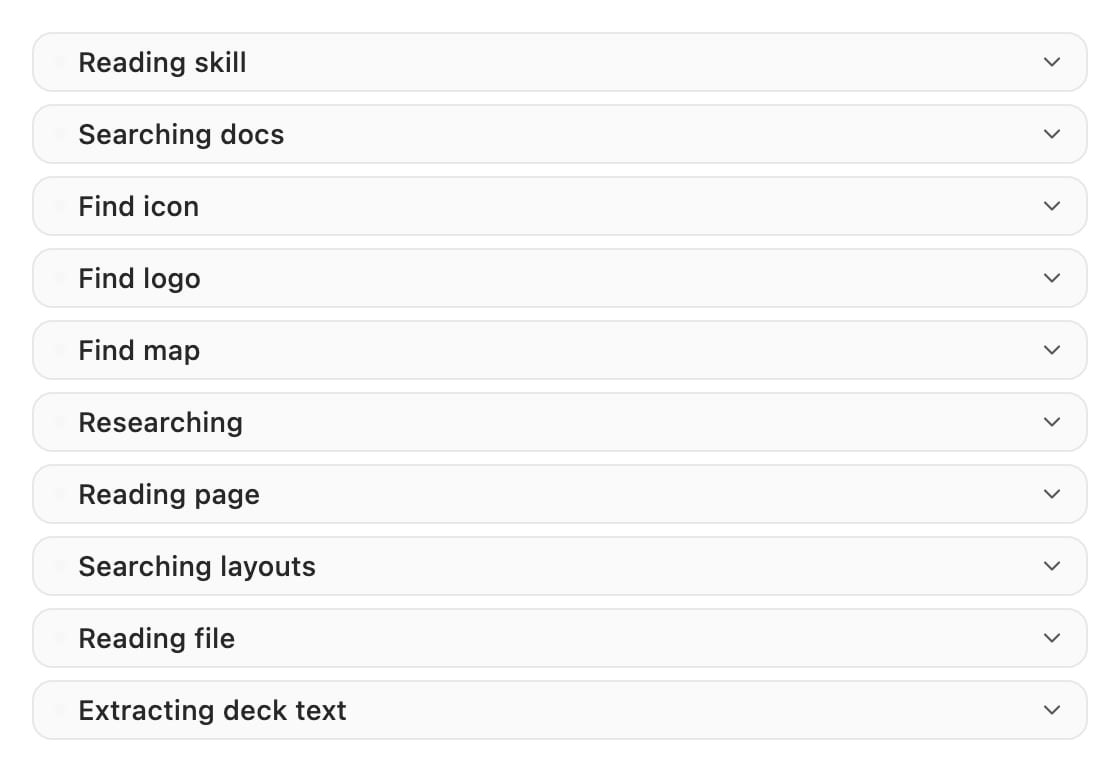
The read and research steps, as they appear in a turn.
Steps that touch your deck
These run inside the add-in. Only PowerPoint writes to your slides.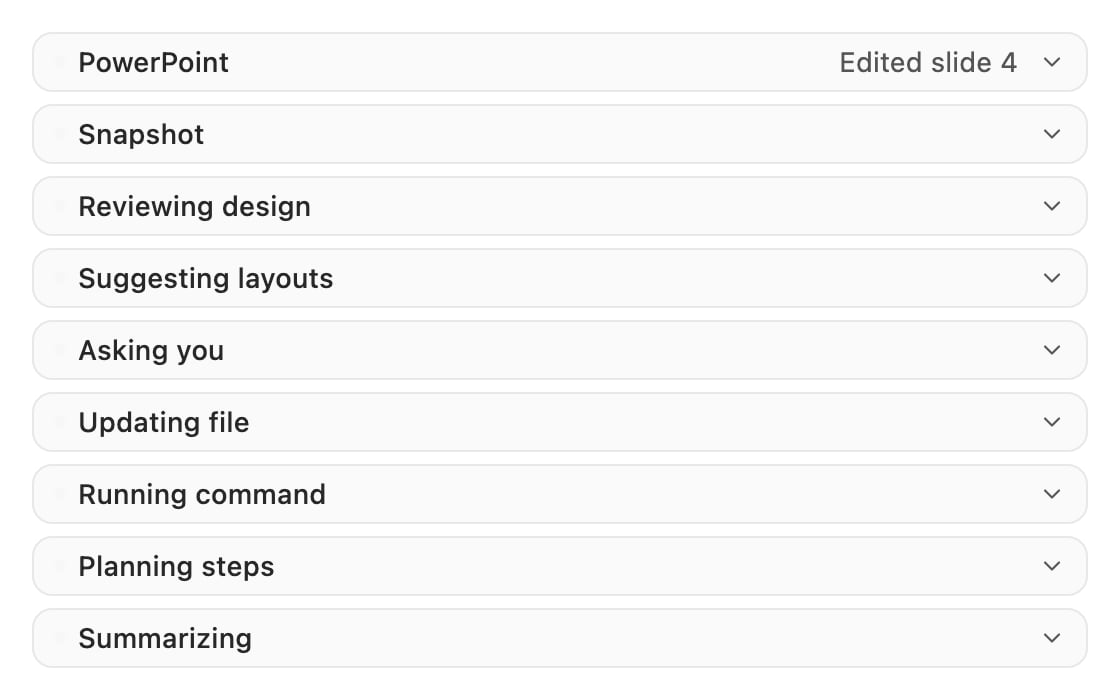
The steps that run in the add-in. Only PowerPoint carries a slide line.
Controls on a step row
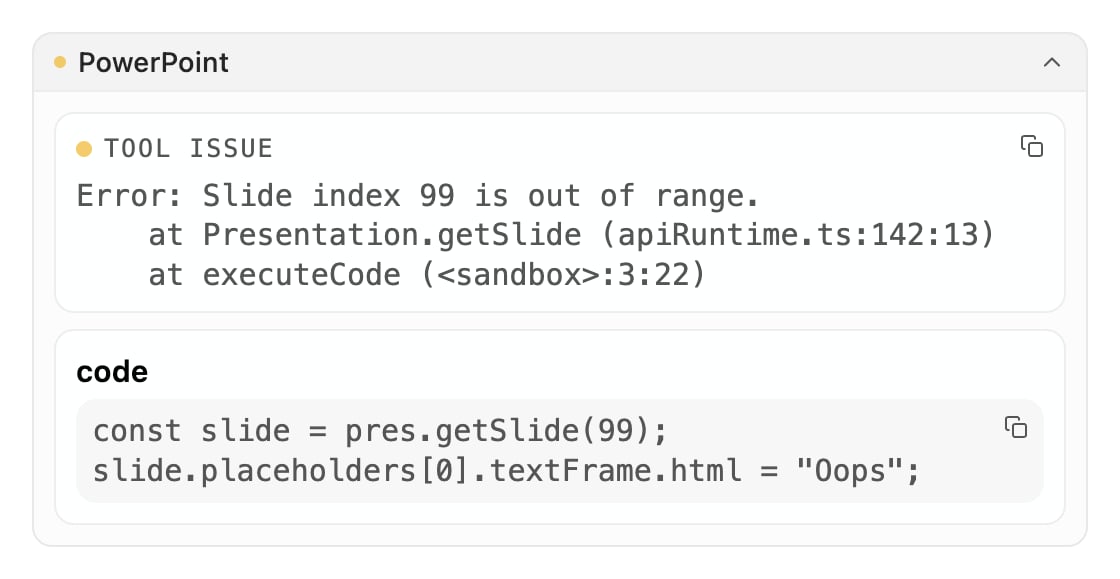
A failed PowerPoint step, expanded: the error it hit, the code it ran, and a copy button on each.
Related
Chatting with Pretty
Where the step rows sit, and what a whole turn looks like.
Troubleshooting
What to do when a step fails or the result is wrong.